
A Housecall Pro alternative for commercial cleaning is software built around recurring crew shifts at client buildings, rather than around booking, dispatching and invoicing individual home-service jobs. Housecall Pro's a strong app for residential cleaners and home-service trades. Once most of your revenue comes from offices cleaned at night, the work changes shape, and so does the software you'll need.
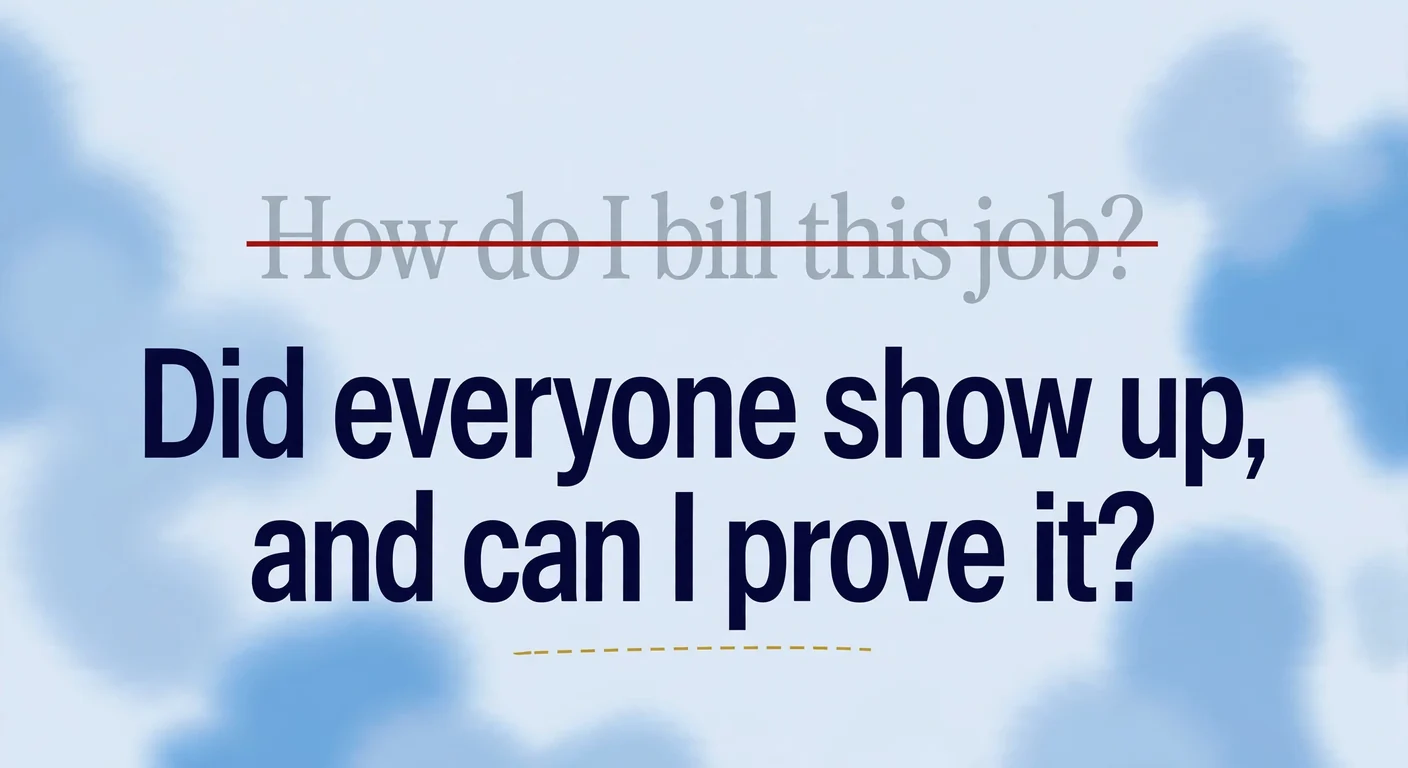
Here's the owner this page is for. You started residential on Housecall Pro. Now you've got 4 office contracts and 14 cleaners working night shifts. Your clients don't book online or pay by card. They sign a contract, expect the building cleaned every night, and call when something's missed. Your daily question has moved from "how do I bill this job?" to "did everyone show up, and can I prove it?"
I run commercial cleaning crews and built ProTeams, so I'm a vendor here. Every Housecall Pro price and feature below comes from its own pages, linked and dated. ProTeams is built only for commercial cleaning, so if you're staying residential, keep Housecall Pro.
Keep Housecall Pro if you bill homes job by job. Look at a commercial tool once your work is nightly shifts at client buildings and your clients want proof.
Should you choose ProTeams or Housecall Pro?
Choose ProTeams if your revenue is mostly recurring commercial contracts and your problem is crew visibility and proof of service. Stay on Housecall Pro if you're residential-first and your problem is booking, quoting and getting paid.
Choose ProTeams if:
- Most of your work is client buildings cleaned on a schedule, often after hours.
- Facility clients ask you to prove a cleaner was on site and finished the task list.
- You need to know about a late or missed shift before the client does.
Housecall Pro may fit if:
- You mainly clean homes, and customers book and pay through the app.
- Invoicing, card payments and online booking matter more to you than shift tracking.
What is Housecall Pro?
Housecall Pro is field service software for home service businesses, covering online booking, scheduling and dispatch, quotes, invoicing and payments in one app.
Housecall Pro's pricing page says it's "designed for home service businesses like HVAC, plumbing, electrical, cleaning, landscaping, and others," as of November 2026. Its industry menu lists home, carpet and window cleaning. People searching for the "house call pro app" usually mean its mobile app, which is free on iOS and Android with every plan, per the same page.
It also has a commercial services page aimed at commercial contractors. That page highlights crew scheduling, multi-day work, customer-specific checklists, photos, progress billing and ACH payments, as of November 2026. So Housecall Pro can serve commercial work, and if you're researching Housecall Pro commercial cleaning features, that's the page to read. Its pitch is built around winning, running and billing contractor jobs, which isn't the same shape as nightly janitorial shifts across a handful of buildings.
How much does Housecall Pro cost?
Housecall Pro has three plans: Basic at $79 a month with 1 user, Essentials at $189 a month with 5 users, and MAX at $329 a month with 8 users, on monthly billing. Annual billing lowers those to $59, $149 and $299 a month.
| Plan | Monthly billing | Annual billing | Users included | Highlights listed |
|---|---|---|---|---|
| Basic | $79/mo | $59/mo | 1 | Online booking, invoices and payments, scheduling and dispatching, quotes and proposals, review management |
| Essentials | $189/mo | $149/mo | 5 | QuickBooks Online and Desktop, price book, equipment tracking, employee GPS tracking, routes |
| MAX | $329/mo | $299/mo | 8, then $35/mo per added user | Recurring service plans, route optimization, sales proposal tool, open API, dedicated onboarding |
Every plan includes live phone and chat support and the mobile app, and card processing is listed "as low as 2.59%." There's a 14-day free trial with no card required. In November 2026 the page also ran 50% off the first 3 months, so check what's current.
Why do commercial cleaning owners outgrow Housecall Pro?
Commercial cleaning owners outgrow Housecall Pro when the unit of work changes from a job at an address to a recurring shift at a building, and when clients start paying for proof rather than for a visit.
We call this the Job-to-Shift Gap. Housecall Pro handles the left column well. Commercial contracts live in the right one.
| Question | Residential jobs | Commercial shifts |
|---|---|---|
| What's the unit of work? | A booked job at a customer's address | A recurring shift at the same building, often nightly |
| When does it happen? | Daytime, customer often home | After hours, nobody from the client on site |
| Who's watching? | The homeowner, in person | A facility manager who sees the result the next morning |
| What does the client want? | A good clean and an easy way to pay | Evidence that every scheduled clean happened, and fast answers on issues |
| What goes wrong? | A late arrival or a callback | A no-show nobody notices until the client complains |
| How does billing work? | Per job, often by card | Monthly contract, usually invoiced from your accounting system |
1. Night shifts need someone watching in real time
At 11 p.m. there's no customer at the door to tell you the cleaner didn't arrive. You need live status: who's on time, who's late, who hasn't checked in. Housecall Pro lists employee GPS tracking on Essentials and up, which shows where people are. It doesn't describe shift-level no-show status for recurring building cleans on its pricing or commercial pages, as of November 2026.
2. Facility clients want proof, not just photos
Housecall Pro supports photos, notes and checklists on jobs. A commercial client usually wants more: a record showing the cleaner checked in at the building, the tasks that were done, and a report they can open without calling you. That's the gap that costs commercial contracts, and it's what ProTeams is built around.
3. User costs climb with a night crew
Commercial crews tend to be bigger. If every cleaner needs the app, Housecall Pro's MAX plan covers 8 users, then $35 a month for each added user, as of November 2026. A 14-person crew sits well past that.
What would 14 cleaners cost on Housecall Pro?
If all 14 cleaners need app access, Housecall Pro's MAX plan comes to about $539 a month on monthly billing, or $509 a month billed annually, based on its published prices in November 2026.
Here's the math. MAX includes 8 users. Six more cleaners at $35 a month each adds $210. That's $329 plus $210, or $539 a month, on monthly billing. On annual billing it's $299 plus $210, or $509. Essentials lists 5 users included, so a 14-person crew would need MAX or a conversation with Housecall Pro's sales team.
The math changes if some cleaners don't need their own login, so ask Housecall Pro how it counts crew users. That answer can swing your cost by hundreds a month.
On ProTeams, 14 field users is past the Launch plan's 10-user limit, so Growth is the fit. It covers up to 30 field users and unlimited sites, so a fifth building doesn't change your plan. Current prices are on the ProTeams pricing page.
How does ProTeams compare with Housecall Pro?
Housecall Pro is stronger on booking, quoting, invoicing and payments. ProTeams is stronger on live shift status, proof of service and client-facing reporting for commercial cleaning contracts.
| Feature | ProTeams | Housecall Pro |
|---|---|---|
| Built for | Commercial cleaning companies only | Home service businesses, including cleaning, plus a commercial contractor offer |
| Pricing model | Plan tiers by field users, unlimited sites on paid plans | Plan tiers with 1, 5 or 8 users included; $35/mo per added user on MAX |
| Free plan | Yes: 4 field users, up to 3 sites | No; 14-day free trial |
| Scheduling and dispatch | Yes, single and recurring shifts | Yes |
| Live on-time, late and no-show status | Yes | Not described on pricing or commercial pages |
| GPS check-in | Geofenced check-in on Growth and Scale; geo-tagging on Launch | Employee GPS tracking on Essentials and MAX |
| Proof of service | Every plan, records marked verified on site or unverified | Job photos, notes and checklists |
| Client portal and automated client reports | Full portal and automated reports on Growth and Scale | Shared job records for approvals and signoff (commercial page) |
| No-show SMS alerts | Growth and Scale (SMS included) | Not described |
| Bidding and proposals | On paid plans | Quotes and proposals on every plan; sales proposal tool on MAX |
| Invoicing and payments | No | Yes, including card and ACH |
| Route optimization | No | MAX |
| QuickBooks | No | Essentials and MAX |
Housecall Pro's features come from its pricing page and commercial services page. "Not described" means we couldn't find it there, so ask Housecall Pro if a row matters to you. For ProTeams, see how proof of service works.
Where is Housecall Pro the better choice?
Housecall Pro is the better choice for residential cleaning and home-service businesses that need online booking, quoting, invoicing and card payments in one app.
ProTeams doesn't do invoicing or payments, and it isn't built for residential cleaning. If most of your revenue's from homes, Housecall Pro's booking-to-payment flow is what you need, and switching would cost you features you use daily. It's also the better fit if you run several trades or route many short daytime jobs.
Some owners run both for a while: Housecall Pro for residential work and billing, and a commercial tool for night crews. That's a fair bridge while commercial revenue grows.
Frequently Asked Questions
Is Housecall Pro good for commercial cleaning?
Housecall Pro can handle some commercial work, and it markets a commercial services offer with crew scheduling, checklists and progress billing. For commercial cleaning built on nightly shifts at client buildings, a tool with live shift status and proof of service for facility clients is usually a closer fit.
How much does Housecall Pro cost?
As of November 2026, Housecall Pro's Basic, Essentials and MAX plans are $79, $189 and $329 a month on monthly billing, or $59, $149 and $299 billed annually. They include 1, 5 and 8 users, and MAX lists $35 a month per added user.
Is Housecall Pro for cleaning business owners a good fit?
Housecall Pro for cleaning business owners works best on the residential side, where customers book and pay through the app. Owners with mostly commercial contracts often outgrow it once they need shift tracking and proof for facility clients.
Does ProTeams do invoicing like Housecall Pro?
No. ProTeams doesn't do invoicing, payments or payroll. It covers scheduling, shift check-ins, live shift status, proof of service, client portals and client reports, so most owners keep billing in their accounting software.
What's the best Housecall Pro alternative for commercial cleaning?
The best Housecall Pro alternative for commercial cleaning depends on your bottleneck. ProTeams fits owners who need crew visibility and proof of service. Jobber is a closer like-for-like swap if you still want booking and invoicing, and Swept or Janitorial Manager suit larger multi-site janitorial operations.
Is it time to move your commercial crews off Housecall Pro?
If your revenue's mostly homes, keep Housecall Pro. If your growth is office contracts and night crews, here's the test: can you see tonight's shifts live, and can you send a client proof tomorrow morning? If not, see ProTeams on your own buildings and run it on one contract this week.
See ProTeams on your own buildings
If your growth is office contracts and night crews, the question is whether you can see tonight's shifts live and send a client proof tomorrow morning. ProTeams is built for that, with proof of service on every plan, including a free one.
ProTeams.io helps commercial cleaning companies centralize the systems that keep field operations moving:
- Crew scheduling and shift check-ins
- Live shift status for late and missed shifts
- Proof of service on every shift
- Client portals and client reports on Growth and Scale
- Issue tracking and service requests