
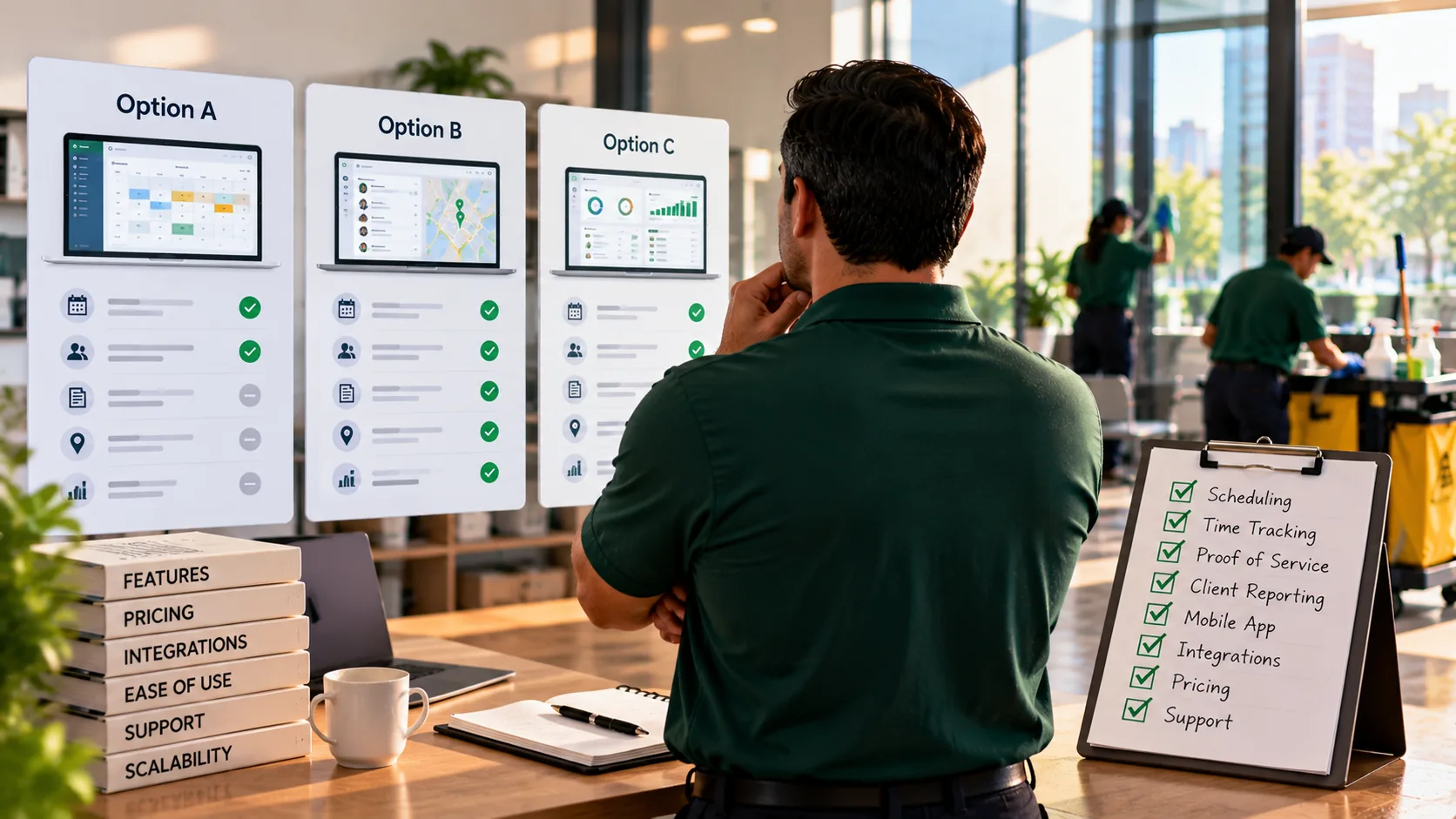
Janitorial service software is a platform that schedules cleaning crews across buildings, records when and where each shift happened, documents the work with timestamps and photos, and gives clients a view of what was done. Choosing the right one comes down to a short list of criteria, weighted by the risk that's costing you most right now. For a 10 to 60 person janitorial company, that risk is usually the same: a client says a clean didn't happen, and you can't prove it did. Start your selection there, not with the longest feature list.
I run crews at ProCleanings in New York and Verdant in Texas, and I built ProTeams, so I'm one of the vendors you'd be comparing. I'll keep this to the criteria I'd use if I were buying, and they apply to every platform on your shortlist, mine included.
Buy janitorial software for the dispute you'll have next year. The best platform for your team is the one that can prove a clean happened, months later, in front of a client who doubts it.
What is janitorial service software?
Janitorial service software is an operations platform for commercial cleaning companies. It handles crew scheduling, shift check-ins, task checklists, proof of service, issue tracking, and client visibility across every building you clean.
You'll see it called janitorial business software, janitorial management software, or janitorial service software. The labels overlap. What's important is the scope. Some platforms center on operations: who's working where, and whether the work got done. Others reach into bidding, invoicing, payroll, and accounting. Few do all of it well, so decide which side of the business you're actually trying to fix.
Most janitorial companies run two systems either way: an operations platform for the field and an accounting tool like QuickBooks for the books. Knowing that up front stops you from paying for a half-built version of something you already have.
Why do janitorial companies switch software?
Janitorial companies usually switch software after losing an account they couldn't defend. The schedule said a cleaner was assigned, but nothing proved the clean happened, so the client's word won.
Picture a 35-person janitorial company with a medical-office account worth $6,800 a month. On a Friday, the practice manager emails: exam room restrooms weren't cleaned Thursday night. The owner checks the schedule. The cleaner was assigned. The cleaner says she cleaned them. There's no check-in time, no photo, and no record of which tasks were marked done. Two weeks later, the practice gives 30 days' notice.
That's $81,600 a year, gone over one night nobody could reconstruct. And medical clients are the least forgiving on this, because their own compliance depends on it. OSHA's Bloodborne Pathogens standard requires training for employees with occupational exposure and records of that training, so a practice manager is used to asking for proof.
What the owner in that story was missing is a record. So when he starts comparing platforms, the first question to ask each vendor is "what can it prove?" Features come second.
What criteria matter most when choosing janitorial software?
For a 10 to 60 person team, nine criteria matter most: proof of service, location-confirmed check-in, real-time alerts, a multi-site live view, record history, client visibility, a mobile app cleaners will use, fit with your back office, and pricing at the size you'll be next year.
Use this scorecard on every platform you demo. Score each criterion 0 to 2 (missing, partial, strong), and weight the first three double if you've lost an account to a dispute.
| Criterion | Why it matters | Ask in the demo | Red-flag answer |
|---|---|---|---|
| 1. Proof of service | Wins the "was it cleaned?" dispute. | "Show me a photo taken on site next to one uploaded later. Can I tell them apart?" | "All photos look the same." |
| 2. Location-confirmed check-in | Shows the cleaner was at the building, not just that they tapped a button. | "Is it a geofence, a location tag, or neither? On which plan?" | "We trust the timestamp." |
| 3. Real-time alerts | Catches a missed shift while there's time to cover it. | "When a shift has no check-in, who's told, and how fast?" | "You'll see it in the morning report." |
| 4. Multi-site live view | One screen for every building tonight. | "Show me tonight's shifts across 20 sites, with status." | A list you have to click into one site at a time. |
| 5. Record history | Disputes surface at renewal, months later. | "How long are photos and check-ins kept on my plan?" | "30 days" on the plan you'd actually buy. |
| 6. Client visibility | Clients who can see the work ask fewer questions. | "Can my client log in, see schedules, and report an issue?" | "You can export a PDF and email it." |
| 7. Cleaner mobile app | If cleaners won't use it, nothing else works. | "Hand me the app. Check me in and finish a task list." | It takes more than a minute to figure out. |
| 8. Back-office fit | Payroll and invoicing have to live somewhere. | "What do I still need QuickBooks or a payroll tool for?" | "We do everything," with no specifics. |
| 9. Pricing at next year's size | Per-user pricing grows with headcount. | "Quote me at 35 people today and 50 next year." | A price only for today's team. |
The red-flag column is where the scorecard earns its keep. Vendors rarely say "we can't do that." They say something adjacent. Write down the exact answer, not your impression of it.
How do you test proof of service before you buy?
Test proof of service by recreating your last dispute in the demo. Ask the vendor to show you, step by step, what record you'd have pulled up when the client said the clean didn't happen.
Run it like this. Give them the details: a medical office, a Thursday night, restrooms in question, the complaint arriving Friday morning. Then ask four things, in order.
- Did the cleaner arrive? You want a check-in time, and ideally a location confirming the building.
- What was done? You want each task on that night's checklist, marked complete, with a time.
- Where's the evidence? You want photos, and a way to tell whether each one was taken on site or uploaded afterward.
- Can I still get it in three months? You want the retention period on the plan you'd actually buy.
If the answer to any of the four is "you'd have to ask the cleaner," the platform failed the test. That distinction between on-site and uploaded-later photos matters more than it sounds. A photo uploaded from home the next day proves the restroom was clean at some point. It doesn't prove the shift happened.
How do you know cleaners will actually use the app?
You know cleaners will use the app by putting it in a cleaner's hands during the trial, on a real shift, at a real building. If checking in and finishing a task list takes more than a minute, adoption will stall.
Every other criterion depends on this one. A geofenced check-in proves nothing if half the crew skips it. Photo proof is useless if cleaners wait until they're home to upload. And the people using the app aren't the people buying it, so the demo can hide problems that show up on night two.
During the trial, pick two cleaners: your most comfortable with phones and your least. Have both run three real shifts. Then ask them what was confusing, not whether they liked it. If your least comfortable cleaner can check in, work the list, and add a photo without calling you, you've found an app that'll work across the crew.
How should team size change what you buy?
Team size changes what you need most. Under about 20 people, ease of use and price lead. From 20 to 60, alerts, multi-site visibility, and record history matter more, because the owner can't watch every building anymore.
These bands are my judgment from running crews, not an industry standard.
- 10 to 20 people. The owner still knows most sites personally. Prioritize a mobile app cleaners will actually use and solid proof of service. Alerts help, but the owner's often catching problems anyway.
- 20 to 40 people. Around here, the owner stops seeing every building. Real-time alerts and a multi-site live view move to the top. So does record history, because you'll now have accounts old enough to renew.
- 40 to 60 people. Supervisors run sites you rarely visit. Add role-based access, client portals, and reports that show who's reliable across the whole team.
Price the plan for the size you'll be in 12 months. A 35-person company that's adding a building a quarter will cross a user tier before its first renewal. Ask what happens when you do.
What should janitorial management software connect to?
Janitorial management software should connect cleanly to how you pay people and bill clients, even if it doesn't do either itself. Most janitorial companies run an accounting tool alongside their operations platform.
Map your back office before the demo. Who runs payroll, and from what hours? Who sends invoices, and from what records? Then ask each vendor which of those steps their platform handles, which it hands off, and which it leaves to you.
Be honest about scope. A platform that's strong on field operations and weak on accounting is a better buy than one that's average at both, if your losses come from the field. Bidding matters too if you're growing by winning new accounts; see what to look for in janitorial bidding software.
How do you compare Janitorial Manager, Swept, and other platforms?
Compare platforms by running the same scorecard and the same dispute test on each one, with the same building and the same team size. Side-by-side answers to identical questions beat any feature grid.
Most owners at 35 people end up with three or four names on a shortlist. Book the demos in the same week, bring the scorecard printed, and ask every vendor the nine questions in the same order. You'll notice quickly which platforms answer with a screen and which answer with a promise.
For tool-by-tool detail, our comparison pages cover the Janitorial Manager alternative and the Swept alternative. Read them knowing who wrote them, and check every claim in your own demo.
Where does ProTeams fit?
ProTeams fits janitorial companies whose biggest risk is proving the work: it's built around check-ins, proof of service, live shift status, and client visibility. It doesn't handle payroll, timesheets, invoicing, or job costing.
Here's how it scores against the scorecard, with plan tiers where they apply.
- Proof of service. On every plan. Photos and task completions are marked verified when done on site and unverified when added off site.
- Location check-in. Geofenced check-in on the Growth and Scale plans; geo-tagging on Launch.
- Alerts and live view. Real-time shift status (on time, late, or no-show) and shift alerts on paid plans.
- Record history. 3, 6, or 12 months of photo and service history on Launch, Growth, and Scale.
- Client visibility. A client portal for viewing schedules and reporting issues, limited on Launch and full on Growth and Scale, plus auto-delivered client reports on Growth and Scale.
- Mobile app. iOS and Android, with each shift's task checklist on the cleaner's phone.
- Bidding. Bidding and proposals are live on paid plans.
For a 35-person team, the Growth plan includes 30 field users and Scale includes 50, with extra field users available as an add-on. Full details are on the pricing page, and the ProTeams for janitorial companies page shows how it works day to day. For where this fits in a broader buying decision, see the guide to commercial cleaning business software.
Frequently Asked Questions
What is janitorial service software?
Janitorial service software is an operations platform for commercial cleaning companies. It schedules crews across buildings, records check-ins, delivers task checklists to cleaners' phones, documents the work with photos, and gives clients visibility into what was done.
What's the difference between janitorial business software and janitorial management software?
In practice, the terms overlap. Both describe software for running a janitorial company. Some vendors use "management software" for operations tools focused on crews and sites, and "business software" for platforms that also cover bidding, invoicing, or accounting. Check the actual scope rather than the label.
What features should janitorial software have?
At minimum: proof of service that separates on-site photos from later uploads, location-confirmed check-in, real-time alerts for missed shifts, a live view across all sites, record history long enough to cover a renewal, client visibility, and a mobile app your cleaners will actually use.
How much does janitorial software cost?
Janitorial software pricing is usually tied to users, sites, or both, and often rises in tiers as your team grows. Ask each vendor to quote at your current headcount and at the size you expect in 12 months, and check which features sit on which plan.
Buy the platform that can prove the clean
Every platform's going to look good in a demo. The difference shows up three months later, when a client says a clean didn't happen and you need the answer on one screen. Score your shortlist on what it can prove, test it with your last real dispute, and price it at next year's headcount. To run that test on ProTeams with your own sites, book a demo or start your free trial.