
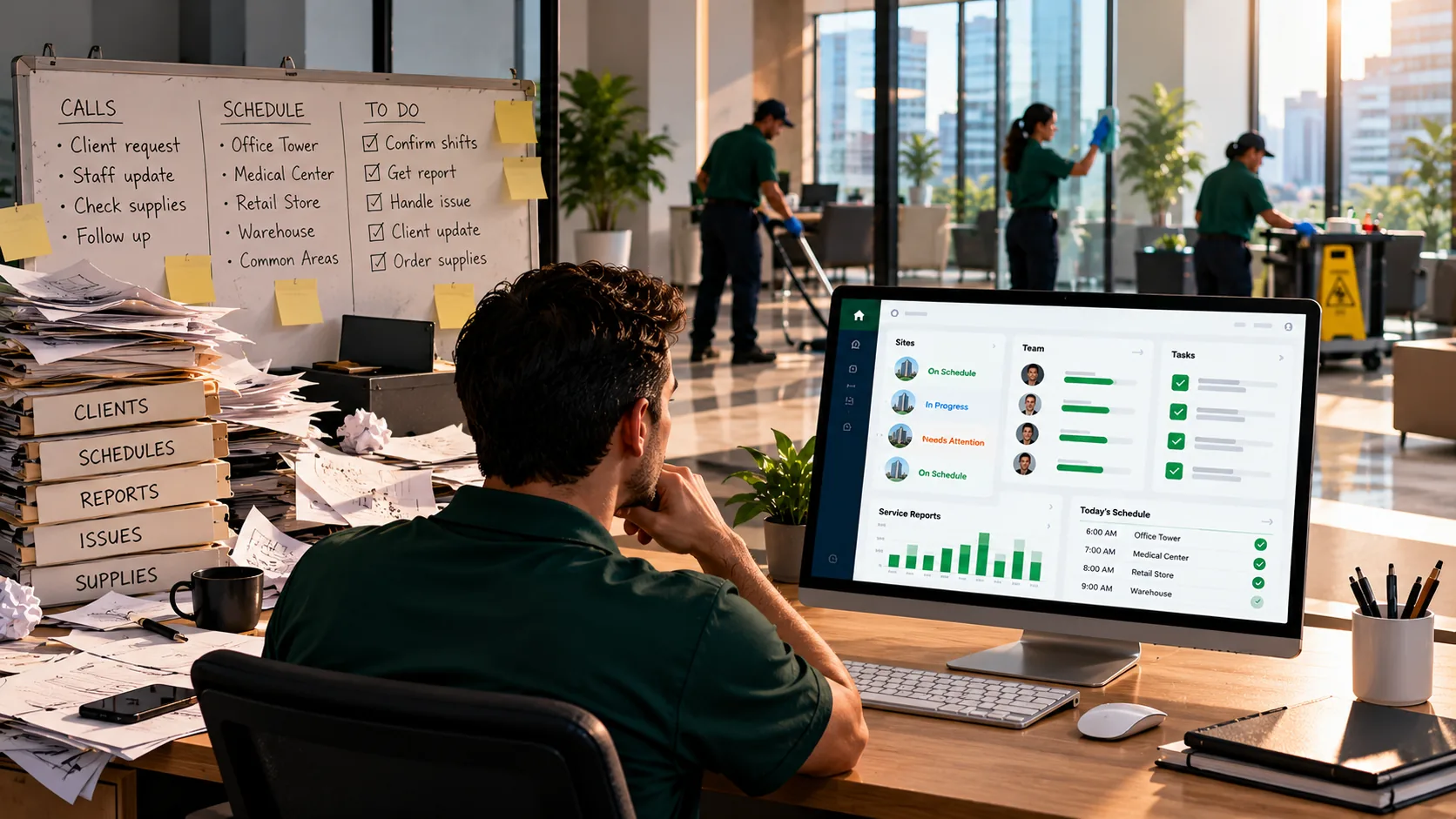
Cleaning business management software is a platform that runs a cleaning company's operations from one place: scheduling crews, confirming shifts happened, tracking tasks and work orders, keeping client records, and showing clients proof of the work. Good management software does those jobs in production, at 10 PM, across every building. Weak software does them in a demo and nowhere else. Before you sign, verify three things live: location-confirmed check-ins, automatically delivered client reports, and no-show alerts that fire before morning.
The quick answer: cleaning company management software should schedule, verify, and report. Check that location verification happens at check-in, that client reports go out on their own, and that a missed shift triggers an alert while there's still time to cover it. If a tool does invoicing or payroll too, treat that as a bonus; most cleaning companies run QuickBooks alongside their operations software anyway.
I lead marketing at ProTeams, so I sit in on a lot of conversations with owners who are replacing software. A story we hear often starts with a good demo. The tool looked complete on a screen share, and the gaps only showed up once real crews were using it on real night shifts. This guide's about closing that gap before you sign.
Every management platform looks complete in a demo. The difference shows up on a Tuesday night, when a cleaner doesn't check in and nobody's watching the screen.
What is cleaning business management software?
Cleaning business management software is the operational hub for a commercial cleaning company. It connects scheduling, field check-ins, tasks and work orders, client records, and client-facing reports so the office, the crew, and the client all work from the same record.
You'll see it called cleaning company management software, management software for cleaning business, or janitorial CRM software. The names overlap a lot, and that's fine. What they've got in common is the goal: one place to answer "did we do the work, and can we prove it?" for every account.
It isn't accounting software. Management software runs the work; accounting software runs the money. Some platforms bundle both, many don't, and the ones that try to do everything rarely do all of it well. Decide which side you're actually buying for before you're in a demo. For where this fits in the wider category, see the guide to commercial cleaning business software.
What should management software for a cleaning business actually do?
Management software for a cleaning business should do six jobs: schedule crews, verify they showed up, deliver each shift's tasks, track issues and one-off work, keep client and contract records, and send clients proof of the work.
- Schedule. Recurring and one-off shifts across every building, delivered to cleaners' phones.
- Verify. Timestamped check-ins, ideally confirmed by location, and photos you can tell apart from later uploads.
- Deliver tasks. Each shift's checklist on the cleaner's phone, with completion recorded per task.
- Track issues and work orders. Client complaints, one-off requests, and follow-ups assigned, tracked, and closed.
- Keep records. Each contract's sites, scope, contacts, and history in one place.
- Report to clients. Service reports that reach the client without someone building them by hand.
What it usually doesn't do, and doesn't need to: run payroll, track hours for paychecks, or send invoices. Most BSCs handle those in QuickBooks or a dedicated payroll tool. A platform that's excellent at the six jobs above and hands off the money side is a better buy than one that's average at all of it.
Why do owners regret the management software they bought?
Owners usually regret management software because they bought what the demo showed, and the demo showed the best case. The gaps appear months later, on night shifts, during disputes, and at renewal, when the features that mattered turn out to work differently than they looked.
Picture an owner with 24 cleaners across 11 buildings. Eight months ago, he signed an annual contract for a "cleaning management" platform after a smooth 45-minute demo. Here's what he's found since:
- It tracks time, but it doesn't verify location. Cleaners clock in from the parking lot or from home, and he can't tell the difference.
- It generates invoices, but not service reports. When a property manager asked for proof of last month's visits, he spent a Saturday building one from screenshots.
- It has no no-show alerts. A missed shift shows up in a report the next morning, after the client's already seen the building.
That property manager's account was worth $3,100 a month, or $37,200 a year. It's gone out to bid. None of those three gaps showed up in the demo, because a demo's built on sample data with everyone behaving perfectly. Now he's evaluating replacements, and this time he wants to know what to check before signing.
Three features look identical in every demo and behave differently on a night shift
Location verification, client reports, and no-show detection look the same in every demo. In production, each one can mean two very different things, and only one version protects your accounts. This is the demo trap, and it's a common reason owners end up replacing software within a year.
Use this table in every demo you're booked into. The middle column is what's easy to show. The right column is what you have to ask to see.
| Feature | What you see in the demo | What to verify before signing |
|---|---|---|
| GPS verification | A check-in screen with a map pin. | Is location confirmed at check-in against the building (a geofence), or just recorded? Can a cleaner check in from the parking lot or from home? Which plan includes it? |
| Client reports | A clean, branded PDF report. | Is it delivered to the client automatically on a schedule, or does someone export and email it? Who builds it at 7 PM on a Friday? |
| No-show detection | A dashboard with red "missed" labels. | Does an alert fire in real time when a shift has no check-in, or does the miss only appear in tomorrow's report? Who gets the alert, and how? |
| Photo proof | Before-and-after photos on a job. | Can you tell a photo taken on site from one uploaded later? Are photos timestamped and tied to the shift? |
| Tasks and work orders | A task list on a phone. | Are tasks attached per shift and marked complete one by one, with a flag when something's skipped? Can one-off requests be tracked to close? |
| Client portal | A client login screen. | What can the client actually see and do: schedules, reports, issue reporting? On which plan? |
| Record history | Last week's data. | How long are check-ins and photos kept on the plan you'd buy? Disputes surface at renewal, months later. |
| Accounting handoff | "It integrates." | What exactly syncs with QuickBooks or your payroll tool, and what do you still re-enter by hand? |
The first three rows are the ones that cost the owner in the scenario his account. If a vendor can't show you the right-hand column on a live account, or in a trial on your own buildings, assume the answer's the weaker version.
What questions should you ask before signing?
Before signing, ask questions that force the vendor to show production behavior instead of demo behavior: what happens when a shift is missed, what a client receives without anyone sending it, and what record you'd have three months from now.
- Show me what happens at 10:15 PM when a cleaner hasn't checked in. Who's told?
- Can a cleaner check in from somewhere other than the building? What stops it?
- What does my client receive automatically each week, without anyone on my team touching it?
- Show me a photo taken on site next to one uploaded later. Can I tell them apart?
- How long are photos and check-ins kept on the plan I'd buy?
- What can my client log in and see?
- What do I still need QuickBooks or a payroll tool for?
- Can I run a trial on two of my real buildings before signing?
These pair with the selection scorecard in our guide to choosing janitorial software: that one helps you decide which platforms make the shortlist, and these questions test the finalists before you commit.
What does janitorial CRM software need to track?
Janitorial CRM software needs to track each client's contracts, sites, scope, contacts, issue history, and who receives reports. It's less about sales pipelines and more about keeping the accounts you already have.
For most cleaning companies, the "CRM" that matters is the record of every active account. Who approves changes at this building? Who gets the weekly report? What did the client complain about in March, and how fast was it fixed? When that lives in someone's inbox, it'll leave when they do.
Look for client records attached to the operational data. You don't want them kept separately. A complaint should link to the shift it's about, and the report should pull from the same check-ins and photos the crew created. ProTeams' client management software keeps each contract's worksites, contacts, notes, and issues together, and the CRM portal is where that record is shared.
Do you need cleaning business work order software?
You need cleaning business work order software if you handle one-off requests, client complaints, or periodic jobs on top of recurring shifts. Recurring tasks keep the nightly routine on track; work orders make sure the exceptions get assigned and closed.
A spilled-coffee call at 2 PM, a request to deep-clean a conference room before a board meeting, a carpet stain the tenant keeps mentioning: none of those belong on the nightly checklist, and all of them get lost in a text thread. A work order gives each one an owner, a status, and a record of when it was done. If the client raised it, they should be able to see when it's closed.
Ask how the platform connects issues to work. If a client reports a problem, can it become an assigned task on the right shift, and does the client see the update? That loop is what turns a complaint into proof that you're responsive.
How should you trial management software before signing?
Trial management software on two of your real buildings for at least two weeks, with real cleaners on real shifts. Test the three demo-trap features deliberately, then decide.
- Pick one easy site and one hard one. The hard one's where gaps show up.
- Test location verification. Have a supervisor try to check in from the parking lot. See what the system records.
- Test no-show detection. Arrange one planned late start and watch whether the alert fires, and when.
- Test client reports. Set up one client to receive reports and see what actually lands in their inbox at the end of the week.
- Ask your least tech-comfortable cleaner what was confusing. Adoption decides whether any of this works, and you won't learn that in a demo.
Two weeks of real use will tell you more than any number of demos. Most platforms, ProTeams included, offer a free trial, so there's little reason to sign before you've run one.
Where does ProTeams fit?
ProTeams covers the six jobs management software should do, with the plan tiers below, and it doesn't handle invoicing, payroll, or time tracking. You'll want QuickBooks or a similar tool alongside it for the books.
- Scheduling. Recurring and one-off shifts on one screen, delivered to cleaners' phones.
- Verification. Timestamped check-ins on every plan; geofenced check-in on Growth and Scale, and geo-tagging on Launch. Photos and task completions are marked verified when done on site, on every plan. See how it works in proof of service software.
- Live status and alerts. Real-time shift status (on time, late, no-show), with shift alerts on paid plans and SMS alerts on Growth and Scale.
- Tasks and issues. Per-shift task checklists with incomplete-task flags, and issue tracking from report to resolution.
- Client records and visibility. Contracts, sites, contacts, and notes in one place. The client portal is limited on Launch and full on Growth and Scale, and auto-delivered client reports are on Growth and Scale.
For more on why missed shifts are the feature to test hardest, read how no-show detection protects contracts. Plan details are on the pricing page.
Frequently Asked Questions
What is cleaning business management software?
Cleaning business management software is an operations platform for cleaning companies. It schedules crews, records check-ins, delivers task checklists, tracks issues and work orders, keeps client records, and sends clients service reports, so the office, the crew, and the client work from the same record.
What's the difference between cleaning management software and accounting software?
Cleaning management software runs the work: scheduling, verification, tasks, and client reporting. Accounting software runs the money: invoicing, payroll, and bookkeeping. Most cleaning companies use one of each, such as an operations platform alongside QuickBooks.
What is janitorial CRM software?
Janitorial CRM software keeps the records for each client account: contracts, sites, scope, contacts, issue history, and who receives reports. For cleaning companies, it's mainly about retaining existing accounts, so it works best when it's connected to the check-ins and photos the crew creates.
What should I ask in a cleaning software demo?
Ask the vendor to show what happens when a shift has no check-in, whether a cleaner can check in away from the building, what the client receives automatically, how long records are kept, and whether you can trial it on your own buildings before signing.
Sign after the trial
Management software earns its keep on the nights nothing goes to plan, and that's exactly what a demo can't show you. Take the demo-trap table into every call, ask the eight questions, and run a two-week trial on real buildings before you commit to a year. If you'd like to put ProTeams through that test on your own sites, book a demo or start your free trial.